Building is easy.
Marketing is hard.
You do not need another tool. You need the posts. Describe your product once and KFX Studio writes and builds what you publish all month — slideshows and UGC videos — so distribution stops being the thing you never get to.
- Slideshows and UGC videos, from one description
- Real photos and your own footage — not AI slop
- 1080×1920 for TikTok, Reels and Shorts
One paragraph in. A month of posts out.
Two of those steps happen on your laptop. The last one takes about a minute on your phone.
-
1
Describe your business
Plain words, no form filling. "I run a two-chair barbershop and most bookings come from Instagram DMs." That's enough.
-
2
We work out who's watching
Your audience, what your product actually solves, and which of 11 formats fits — a tool list, a countdown, mistakes, a routine, a story.
-
3
Every slide gets built
Copy written, a photo picked for every slide, everything laid out and rendered at 1080×1920, ready to post.
-
4
Download and post
A ZIP of PNGs plus a caption and niche hashtags. Open TikTok, add photos, paste the caption, post.
 5
5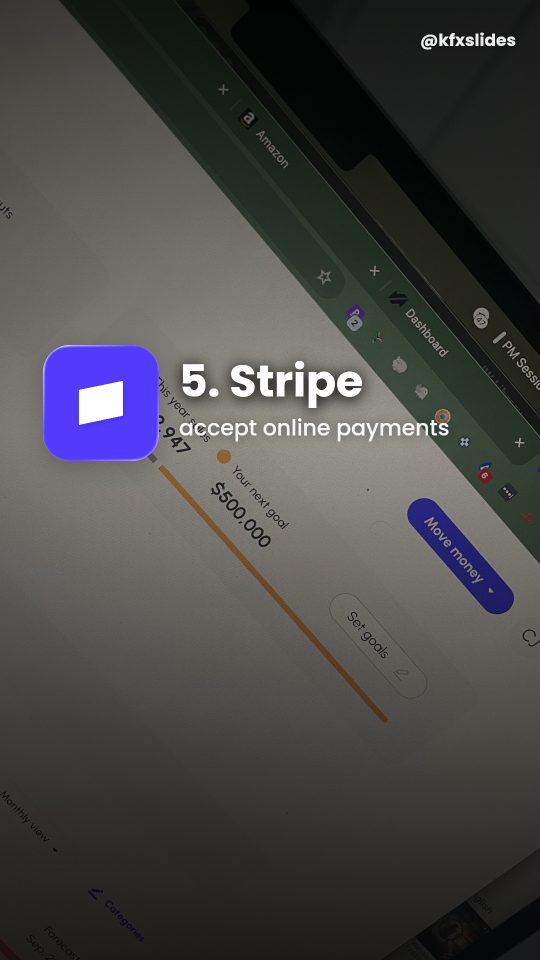 6
6- Paste a paragraph about your business and press generate.
- A format is chosen for your audience.
- Six slides render at 1080 by 1920.
- Download the ZIP, then add the photos and caption to TikTok and post.
Real output
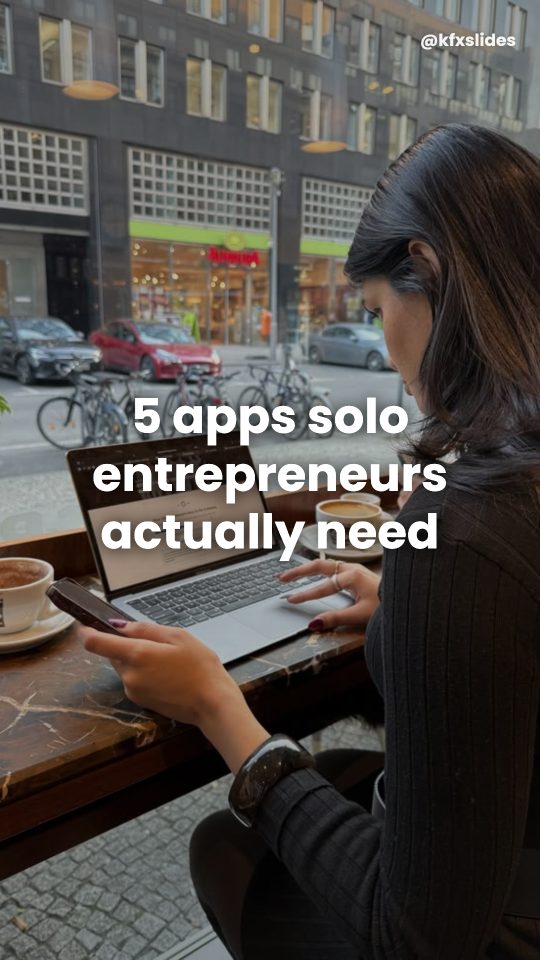
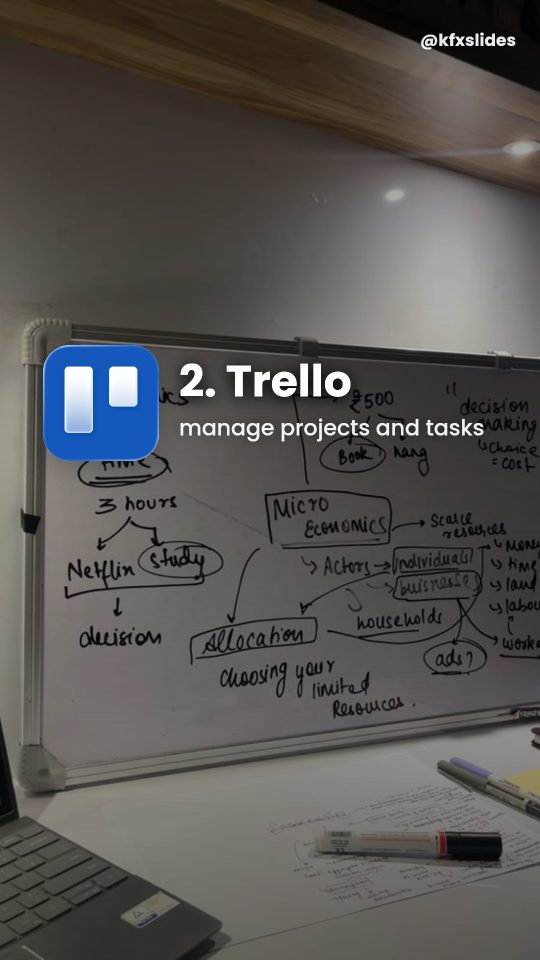
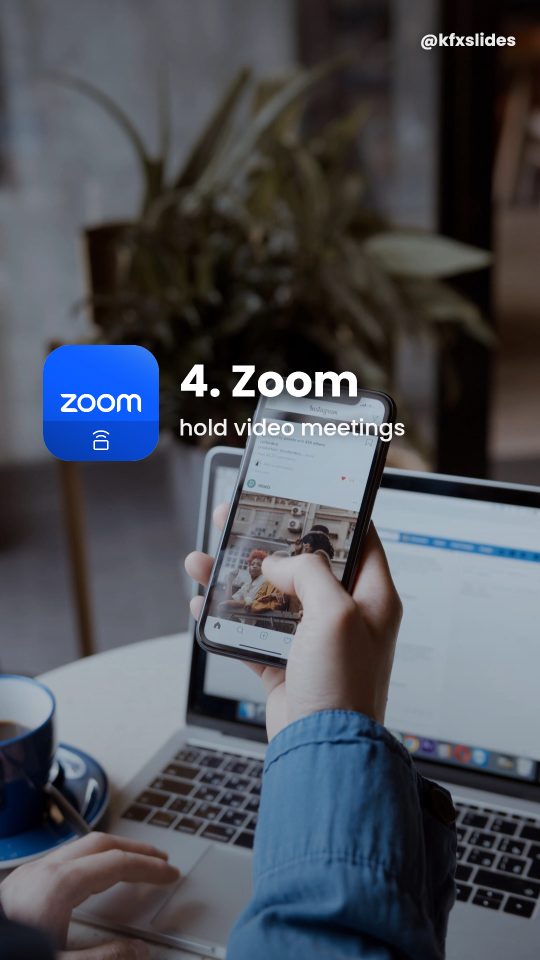
Five different businesses, five different formats. Each one generated from a single paragraph, nothing touched up by hand.
Tap any cover to page through the whole deck.
And the videos
Your reaction clip, a hook line written for your product, then straight into the app. Same one paragraph, nothing edited by hand.
Pricing
Start free. Upgrade when you're posting daily.
Questions
What do I actually get?
Two things. Slideshows — a finished deck of 1080×1920 slides with the copy, photos, caption and hashtags. And UGC videos — a reaction clip with a hook line written for your product, cut straight into your own screen recording. Both are ready to post as they are.
Does it post for me?
No, and that's deliberate. You download the files and post them yourself, which keeps you in control of timing and captions — and avoids the account risk that comes with automated posting.
Do I need to film anything for the videos?
Only a screen recording of your product. The reaction clip at the front comes from our library, and the hook line over it is written from your business description.
Can I use my own photos?
Yes. Upload your own images and they're used directly. Otherwise a photo is chosen for each slide and filtered to drop AI-generated images, posters with text on them, and screenshots.
Will my product be obvious as an ad?
No. It sits as one entry among the others, described in the same plain voice as everything else. That's the whole point of the format.
What if the copy is wrong about my business?
Regenerate — each run picks a different angle. You can also pin a specific format instead of letting it choose.
Can I use my own logo?
Yes. Upload it and it's used directly.
Do I need a credit card to try it?
No. Your first slideshow is free, no card, and you can download it.
Does the video have sound?
No, on purpose. You pick a trending sound in TikTok or Instagram when you post, which is where the audio that actually travels comes from.